Connect Slack
Add the Slack app, link your own account and choose which channels Sotto can read.
Slack setup has two parts: adding Sotto to the workspace and linking each person's Slack identity.
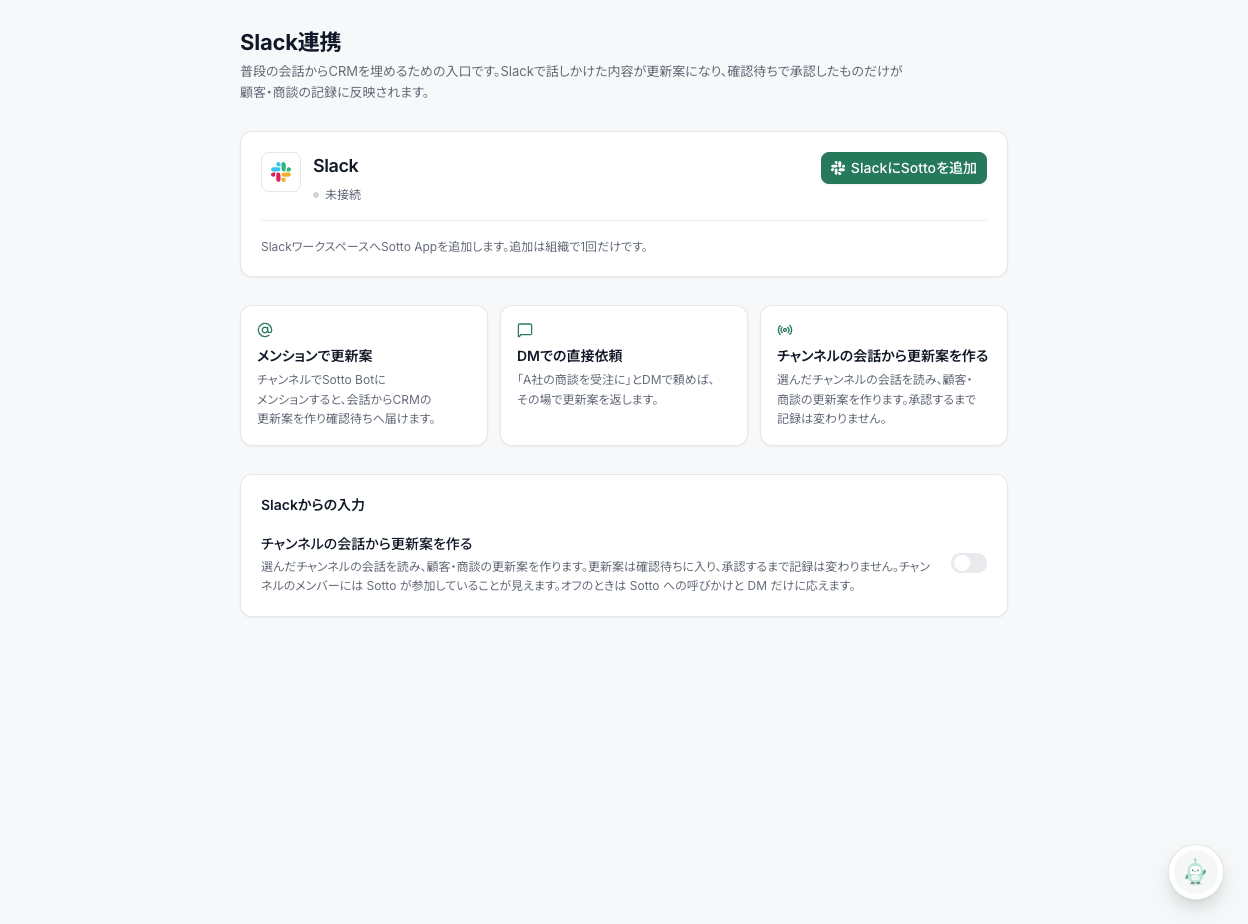
Add the app and link your account
In Slack settings, select Add Sotto to Slack and authorize the app. This is done once for the workspace.
Each person then selects Link your Slack account. This identifies whose request can update CRM records. Adding the workspace app alone does not allow Sotto to record your messages.
The setting Draft proposed updates from channel conversations controls whether channel conversations are imported without a mention. When it is off, Sotto processes mentions and direct messages only.
If permissions fail to load, select Reload permissions.
Conversation memory
When Remember conversations in the same thread under Conversation memory is on, Sotto refers to conversations it processed successfully in the same Slack thread to work out what phrases like “that company” mean. When it is off, Sotto processes only the new message, without referring to earlier conversation. Everyone can see this setting; only admins can change it. It saves as soon as you select it.
Choose channels
An administrator selects channels under Channels to read. Start with one channel where customer information may be processed, and tell the team how it will be used. Mentions and direct messages remain available when automatic channel importing is off.
Test a proposed change
Mention Sotto with a fictional customer and meeting note, then open Questions. Check the original message, target customer and proposed values. Do not use a real outbound customer message as a test.
If no proposal appears, check the personal link, channel selection and automatic-import setting. See troubleshooting or continue to reviewing records.